







One billion.
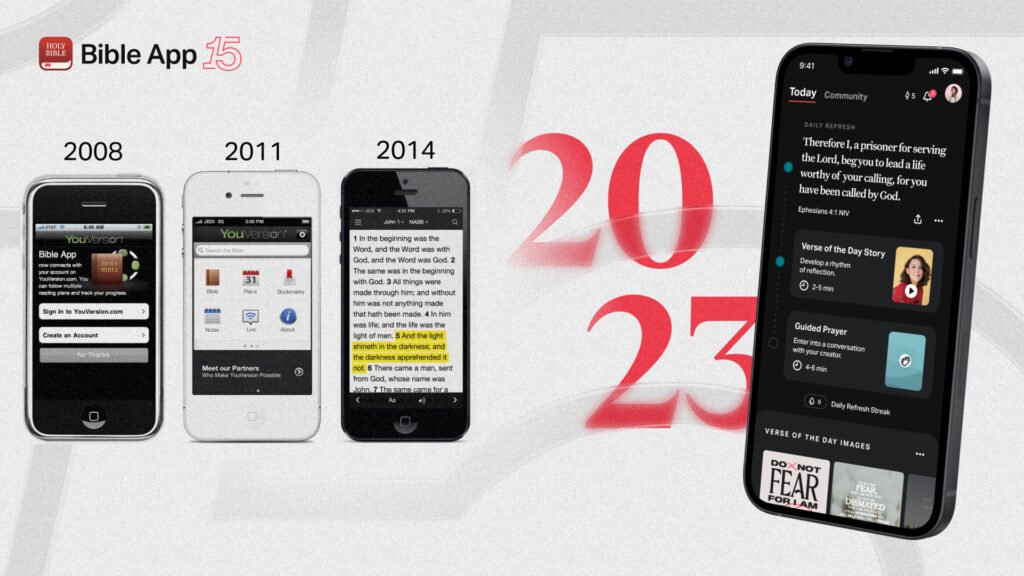
That’s how many times the YouVersion Bible App has been installed. When you hear “one billion,” it almost feels like saying an entire country the size of India is walking around with a Bible in their pocket.
And what makes that number even more powerful is this: even with a billion downloads, there are still entire regions in the world who’ve never heard about Jesus. That contrast shows how much work is left, and how much technology is helping us close the gap.
For India, this milestone hits differently. Because here, digital access has opened doors that physical resources couldn’t.
What Exactly Is YouVersion?
YouVersion is a free Bible app designed to make Scripture simple to access and read.
If you grew up in India, you know how rare Bibles used to be:
- Gideons handing out pocket New Testaments
- OM, ELS, or Word of Christ bookstores in bigger cities
- Bookstalls at crusades and conventions
- Families travelling from rural towns to cities just to buy a Bible
Even today, printed Bibles can be expensive or hard to find depending on where you live. YouVersion changed that by bringing the Word directly to where people already are: their phones.
Why This Matters in India
India has 1.12 billion active mobile connections, with 806 million Indians online. 85.5% of households have at least one smartphone, and around 80% of internet use happens on mobile.
Which means: if the Bible becomes available on mobile, it becomes available to almost everyone. For a country where access to physical Bibles is still inconsistent, this is a massive shift.

Indian Languages: The Real Game-Changer
YouVersion includes Indian languages like Hindi, Tamil, Telugu, Malayalam, Kannada, Bengali, Marathi, Urdu, Nepali, Assamese, Khasi, Goan Konkani and many more.
The app interface is available in 68 languages, and Bible text is available in 2,300+ languages worldwide.
Many Indian versions even include audio Bibles.
For the first time, Scripture speaks to people in their own language, clearly and simply.
A Clean, Simple Home Screen
When you open the app, it greets you with “Good morning” or “Good evening.”
Right after that, the Verse of the Day appears, ready to share with one tap.
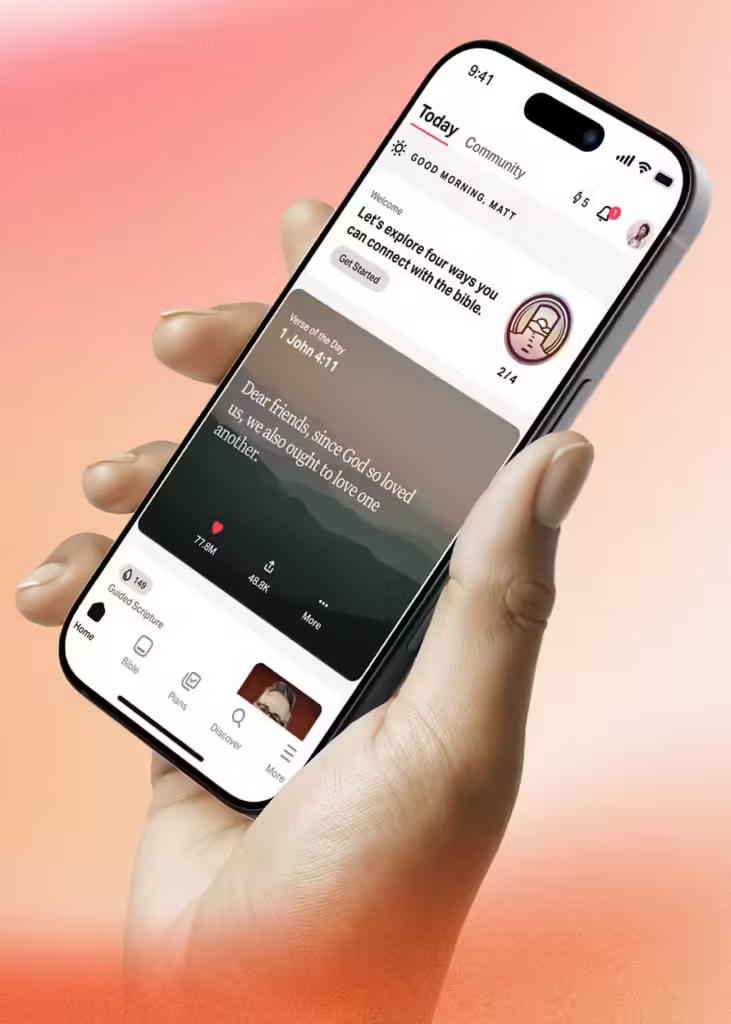
You’ll also see your current Bible plans, your streaks, and recently earned badges.
At the bottom, the layout is simple:
- Home
- Bible
- Plans
- Discover
- More
Easy for beginners, families, students, and older readers alike.
Bible Tab: No Distractions, Just Scripture
Inside the Bible tab, everything is clean and focused.
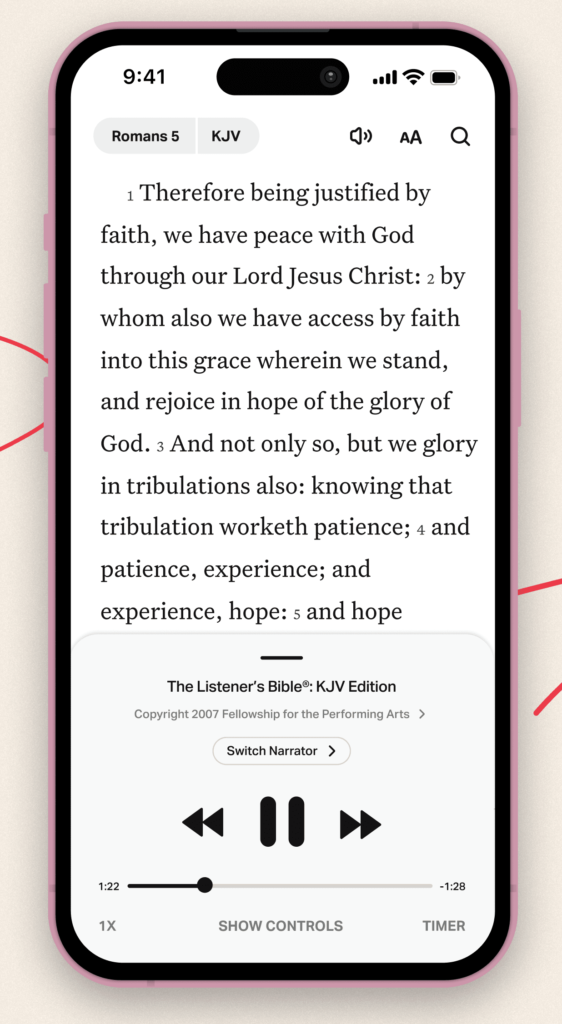
You can:
- Choose any Bible version
- Switch languages
- Download Bibles offline
- Adjust font sizes
- Switch between dark/light mode
- Highlight verses
- Save notes
- Compare translations
- Share passages
- Pray over selected verses
And if reading feels tiring, you simply tap Play and switch to the audio Bible.
My mother, who struggles with small printed text, now reads the Bible comfortably using big fonts and audio. For her, this app removed a barrier she lived with for years.
Plans: The World’s Largest Christian Reading Library
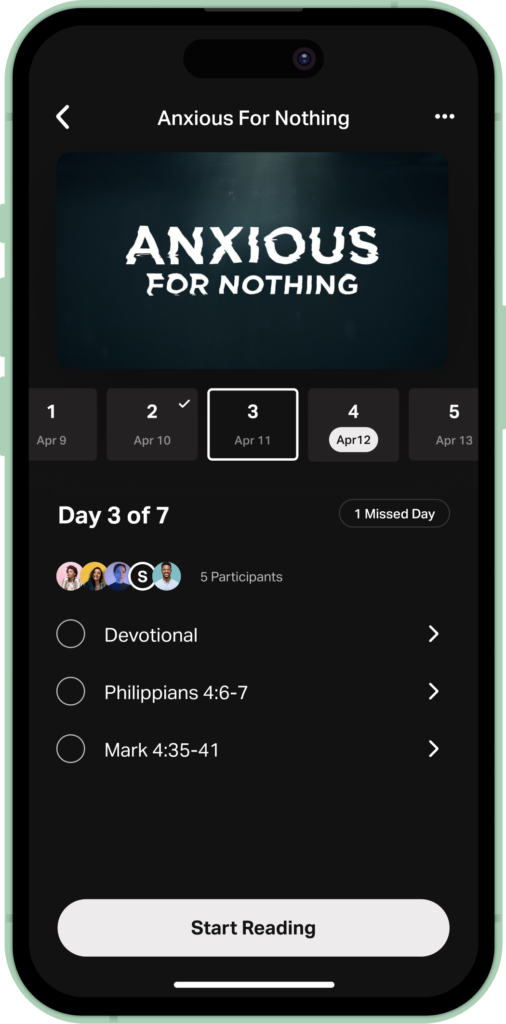
YouVersion’s Plans section is massive. You’ll find:
- 90-day Bible reading plans
- One-year plans
- Short 3–7 day devotionals
- Topic-based plans (anxiety, calling, purpose, leadership, finances)
If you’ve ever felt unsure about where to start reading, plans give you daily structure.
Discover: Explore the Bible Like Never Before
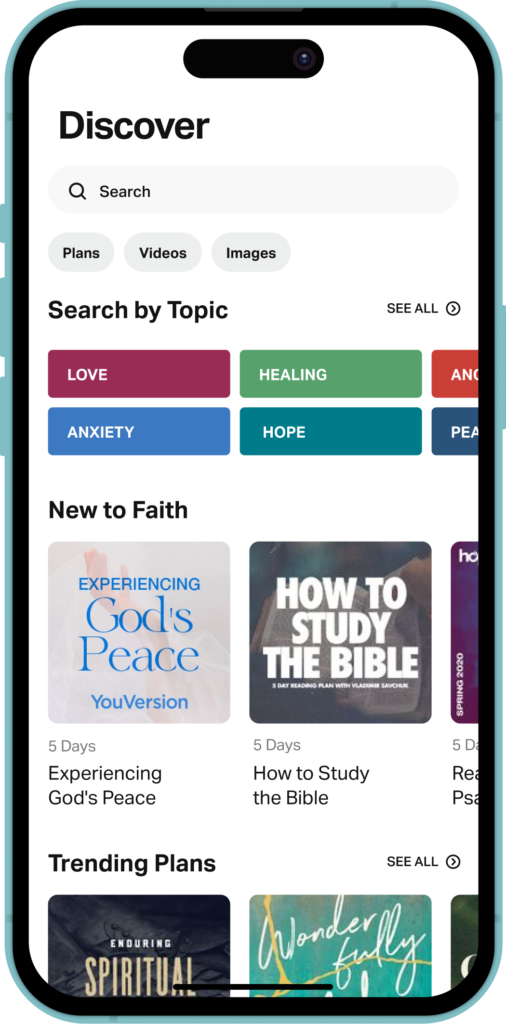
The Discover tab lets you:
- Find churches near you
- See Christian events happening around you
- Watch videos from The Chosen, BibleProject, Streetlights
- Browse topics like “faith”, “purpose”, “fear”, “relationships”
- Get Scripture collections and recommended reading plans
It’s basically your spiritual explore page.
Community: Quiet and Meaningful Accountability
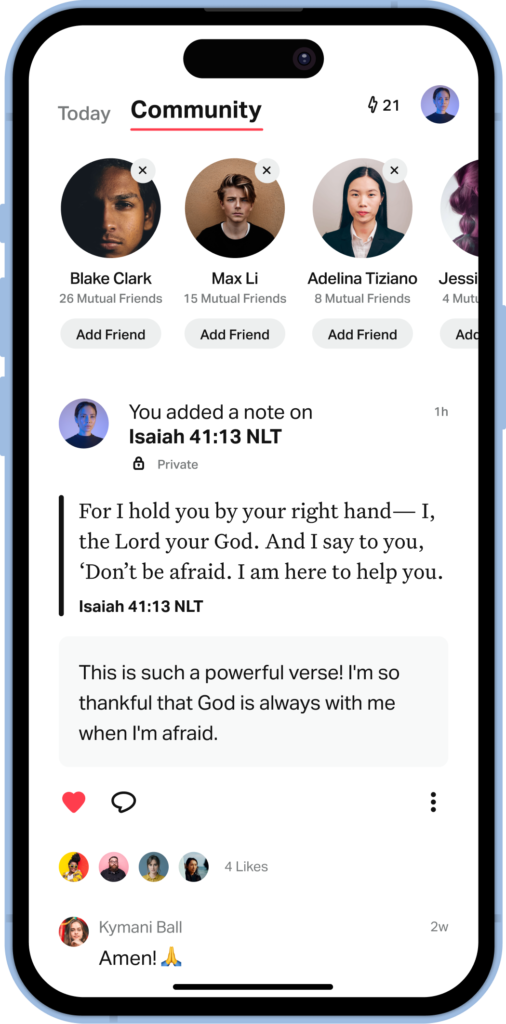
Under “More,” you’ll find:
- Your profile
- Your streak
- Your badges
- Your friends
- Their highlights
- Their notes
- Their plan activity
YouVersion doesn’t force community, but it gently encourages it.
And yes… the daily “Verse of the Day” sharing culture across WhatsApp and Instagram? This app is the reason behind it.
How to Start Using YouVersion
Here’s the simplest way to begin:
- Download the “YouVersion Bible App.”
- Pick your language and preferred translation.
- Start a short plan (2–3 days).
- Turn on daily reminders.
- Switch to audio when reading feels tough.
- Highlight verses and add notes.
- Share verses that encourage you.
- Explore the Discover tab.
- Add your friends or church group for accountability.
That’s all you need to get started.
The Bible in a Digital Nation
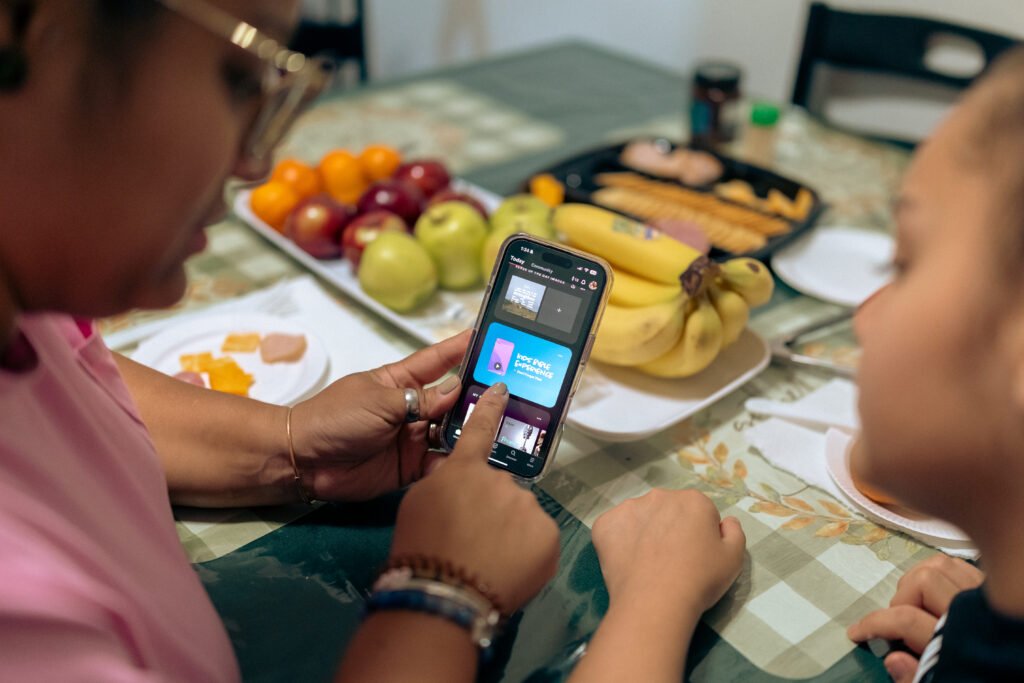
India is one of the fastest-growing digital cultures. Almost every household has a smartphone. Young people live on mobile. Older parents are learning to navigate screens too.
That’s exactly why YouVersion matters right now.
It takes something that used to be distant, sometimes expensive, sometimes inaccessible, and puts it in your hand.
For believers in cities, towns, and villages…
For older parents who struggle with small print…
For students looking for direction…
For young adults trying to stay consistent…
This app is more than convenient. It’s transformational.
If you haven’t tried it yet, open it this week.
Read a verse.
Start a plan.
Let the Word become part of your everyday life.
One billion downloads. And counting. India is already part of that story—are you?